
The first time I set up a flight hunt, I accidentally watched the wrong airport. Spent three weeks getting pounce alerts for flights out of London Stansted when I wanted Heathrow. By the time I figured it out, the $389 LHR-JFK fare on Virgin Atlantic I'd been hoping to catch had already evaporated. Lesson learned.
So before you go clicking around, let me walk you through exactly how to set up your first hunt on FlightKitten — the right way — in about 60 seconds flat. We'll cover what to fill in, what the settings actually mean, and a few choices that separate the travelers who catch deals from the ones who wonder why they keep missing them.
What a hunt actually is (and isn't)
A hunt is FlightKitten's term for a saved route search with a price threshold attached. You tell us where you want to fly, roughly when, and what price would make you actually book — and we watch that route around the clock and fire a pounce alert the moment fares drop to your target.
It is not a booking tool. It is not a guarantee. It's a very persistent, very caffeinated assistant who never sleeps and doesn't charge you for the overtime.
The distinction matters because a lot of first-timers set up a hunt and then sit back expecting FlightKitten to do everything. You still have to act fast when a pounce alert lands in your inbox. Economy fare sales — especially the good ones, like $412 ORD-NRT on Japan Airlines or $298 LAX-MEX on Aeromexico — can disappear in under two hours.
Step 1: Pick your origin airport (and be specific)
This is where I made my Stansted mistake. When you type a city name, FlightKitten will show you a dropdown of airports. If you live near a multi-airport city, you need to choose deliberately.
New York has three: JFK, LGA, and EWR. London has six if you count all of them. Chicago has two that matter: ORD and MDW. The fares are not interchangeable. A $347 fare from EWR to Lisbon on TAP Air Portugal might not exist at JFK that same week — or it might be $80 more. Always pick the airport you'd actually use, not the one that sounds most impressive.
If you're genuinely flexible on departure airport, you can create two separate hunts. It takes 30 extra seconds and doubles your chances of a catch.
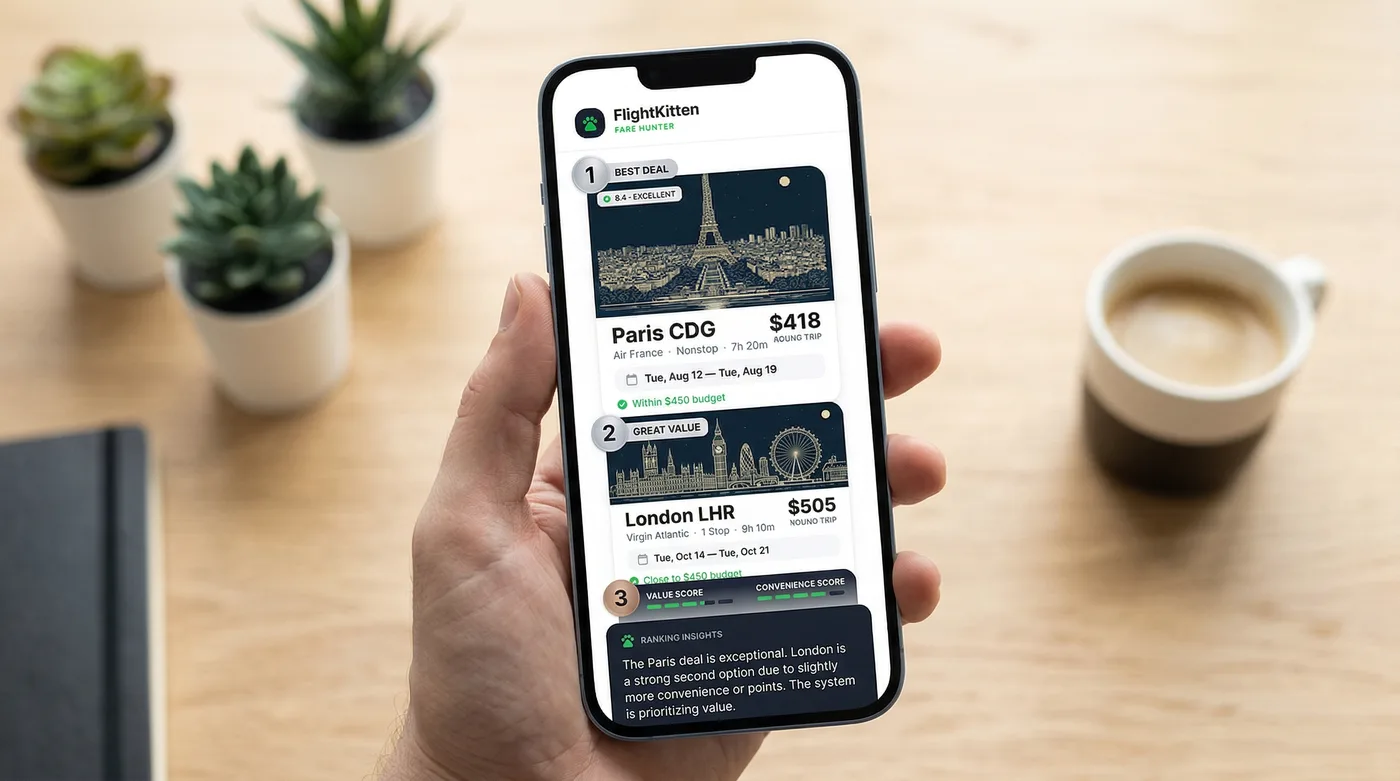
Step 2: Set your destination (flexible beats rigid, almost always)
Here's where budget travelers have a real structural advantage over people booking premium cabins: economy fares fluctuate wildly by destination, and being even slightly flexible can mean the difference between $600 and $310.
FlightKitten lets you hunt a specific airport or a whole region. If your goal is "somewhere in Southeast Asia in March," you can set a regional hunt covering BKK, KUL, SGN, and MNL simultaneously. When Scoot drops $389 SYD-SIN or Philippine Airlines runs $441 LAX-MNL, you'll catch it.
That said, if you have a specific destination — say, you're going to a wedding in Rome — just set FCO and move on. Don't overthink it.
Pro Tip: City-pair hunts on popular transatlantic routes (think JFK-CDG, LAX-LHR, BOS-DUB) tend to catch the most deals because airlines compete hard on those corridors. Air France, Iberia, TAP, and Norwegian all slug it out on the Atlantic, which means prices actually move.
Step 3: Choose your travel window
This is the setting most new users get wrong, and it costs them catches.
FlightKitten gives you three window options:
| Window type | Best for | Example |
|---|---|---|
| Exact dates | Fixed trips (weddings, events) | Dec 20 – Jan 4 only |
| Flexible window | General vacation planning | "Anytime in October" |
| Anytime | Pure deal hunting, max flexibility | No date constraint |
Flexible window is the sweet spot for most people. Set it to a month or a six-week range and let FlightKitten scan every departure date in that window. The $487 BOS-KEF fare on Icelandair that pops up on a Tuesday departure instead of Saturday? You'll catch that.
Anytime hunts are for people who are genuinely ready to book on 48 hours' notice. I know a few people like this. They are either retired or have very understanding employers.
Step 4: Set your target price (the number that matters most)
Your target price is the threshold that triggers a pounce alert. Set it too high and you'll get flooded with alerts for mediocre fares. Set it too low and you'll wait forever and catch nothing.
Here's a rough calibration table for economy class in 2026, based on routes we see move regularly:
| Route | Typical economy range | Good deal threshold |
|---|---|---|
| JFK – LHR | $480 – $720 | Under $420 |
| LAX – CDG | $520 – $780 | Under $460 |
| ORD – NRT | $580 – $890 | Under $520 |
| MIA – GRU | $390 – $620 | Under $340 |
| SFO – SYD | $780 – $1,100 | Under $680 |
| JFK – BCN | $380 – $640 | Under $350 |
| BOS – DUB | $320 – $580 | Under $290 |
Step 5: Pick your airlines (or don't)
FlightKitten defaults to watching all airlines on a route. For most people, this is the right call.
But there are legitimate reasons to filter. If you have status with United and want to earn miles, you might only want to hunt United and Star Alliance partners. If you refuse to fly a certain carrier after a bad experience (we've all been there — I'm still not over a six-hour delay on a carrier I won't name), you can exclude them.
Just know that filtering airlines can dramatically reduce your catches. On a route like LAX-BCN, the cheapest fares often come from carriers like Level, Iberia, or TAP — not the legacy American carriers. If you exclude them, you're cutting out some of the most competitive pricing on the Atlantic.
My default advice: leave it open, at least for your first hunt. See what catches come in. You can always add filters later once you know the route.
Step 6: Choose your alert method
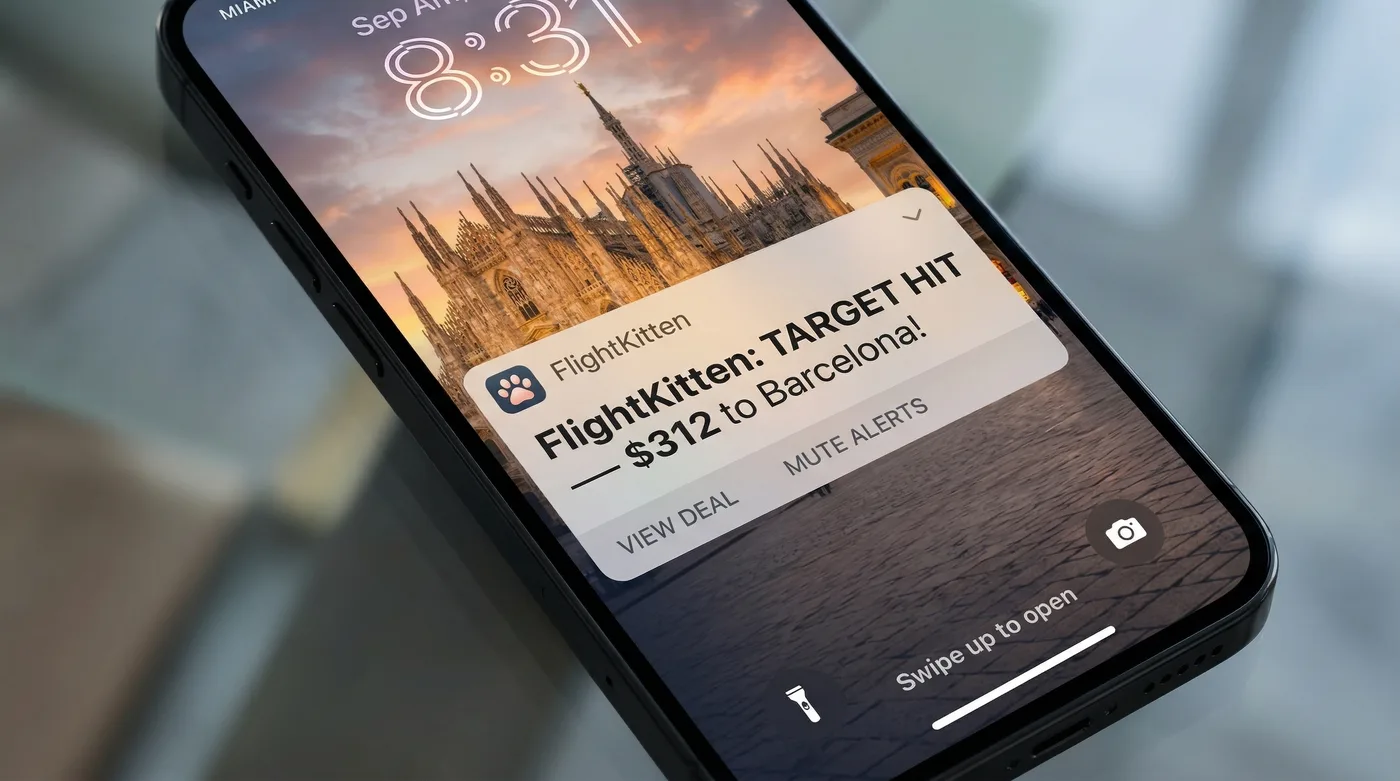
FlightKitten sends pounce alerts via email, push notification, or both. Enable both. I'm serious.
Economy fare drops — especially flash sales — don't wait for you to check your email at 9am. A $331 LAX-LIM fare on LATAM might surface at 2am Pacific time and be gone by 6am. The travelers who catch those are the ones with push notifications on.
If you're worried about getting spammed, that's what the target price threshold is for. A well-calibrated hunt won't alert you more than once or twice a week on a busy route, and maybe once a month on a thinner one.
Pro Tip: Create a dedicated email folder for FlightKitten pounce alerts and set a filter to mark them as high priority. When a deal drops, you want to see it immediately — not find it buried under a newsletter three days later wondering why the fare is now $200 higher.
What happens after you save the hunt
Once you hit save, FlightKitten starts scanning immediately. You don't need to do anything. The hunt runs in the background, checking fares across our data sources continuously.
You'll see your active hunt in the "My Hunts" dashboard. From there you can edit the target price, adjust the travel window, or pause it if your plans change. Pausing is underrated — if you're in a busy stretch at work and know you won't be able to act on a deal, pause the hunt rather than ignoring alerts. It keeps your alert history cleaner and stops you from getting desensitized to pounce notifications.
When a catch comes in, the alert will show you the fare, the airline, the specific dates, and a direct link to the booking page. Click through fast. We're talking minutes, not hours, on the best deals.
Common mistakes first-timers make
I've watched enough people go through this process (and made enough of these errors myself) to know the patterns:
Setting the target price at an all-time low instead of a good deal. If you've seen one screenshot of a $199 transatlantic fare from 2019, don't make that your threshold. Those fares happen maybe twice a year on any given route. You'll wait forever and miss dozens of legitimately great deals in the meantime. Hunting too many routes at once. More hunts sounds better, but if you set up 15 hunts across 15 destinations, you'll get alert fatigue and stop paying attention. Start with two or three routes you'd genuinely book tomorrow if the price was right. Ignoring the travel window. Setting exact dates when you're actually flexible is leaving money on the table. A $50 difference between flying on a Thursday versus Saturday is real money on a budget trip. Not acting when the alert lands. This one hurts. FlightKitten does the hunting. You have to do the pouncing. When a catch comes in on a route you've been watching, have your passport details and a payment method ready. The booking process should take five minutes, not forty-five.A real example: JFK to Lisbon, under $350
Let me make this concrete. TAP Air Portugal runs sales on JFK-LIS a few times a year, usually dropping to the $320-$360 range for economy. These sales typically last 24-48 hours and require travel in shoulder season — think late January through March, or October-November.
A good hunt for this route:
- Origin: JFK
- Destination: LIS
- Window: Flexible, October 1 – November 30
- Target price: $349
- Airlines: All (TAP is the main mover here, but Iberia via MAD sometimes matches)
- Alerts: Email + push
That setup would have caught at least two fares in the past 12 months. Both were TAP, both were in the $329-$347 range, both required booking within 18 hours of the alert. That's how it works when the setup is right.
Your 60-second checklist
Before you close this tab, here's the actual sequence:
- Open FlightKitten and tap "New Hunt"
- Select your origin airport — the specific one, not just the city
- Set your destination — specific airport or region
- Choose a flexible travel window if you have any date flexibility at all
- Set a target price based on realistic "good deal" benchmarks, not fantasy fares
- Leave airline filters open unless you have a strong reason not to
- Enable both email and push notifications
- Hit save
Sixty seconds. Maybe ninety if you're a slow typer.
The rest is waiting — but the good kind of waiting, where an algorithm is doing the boring work and you just have to be ready to move when it finds something worth catching. Set the hunt up right once, and FlightKitten handles the rest.
Now go set one up. Your next cheap flight isn't going to hunt itself.